🏗️ ARCHITECTURAL & RENDERING SOFTWARE ENGINEERING KIT
Master the Essential Architecture & 3D Design Software — From Drafting to Photorealistic Rendering
Learn AutoCAD, Revit, Archicad, SketchUp, Lumion & Twinmotion in One Complete Training Pack
30+ Practical Video Lessons • Immediate Access • Learn at Your Own Pace
🚀 TAKE YOUR ARCHITECTURAL SKILLS TO THE NEXT LEVEL
Architecture is no longer limited to hand drawings and technical sketches.
Today, architects, architectural students, engineers, designers, draftsmen and construction professionals rely on powerful digital tools to design, model, document, visualize and present their projects with precision and professionalism.
But learning each software separately can be expensive, time-consuming and confusing.
That's why we created the Architectural & Rendering Software Engineering Kit.
A complete practical training package designed to help you build essential digital skills across the most widely used architectural design, modeling and visualization software.
With this pack, you can develop your workflow from 2D technical drafting → 3D modeling → BIM → architectural visualization → photorealistic rendering.
6 ESSENTIAL ARCHITECTURAL SOFTWARE
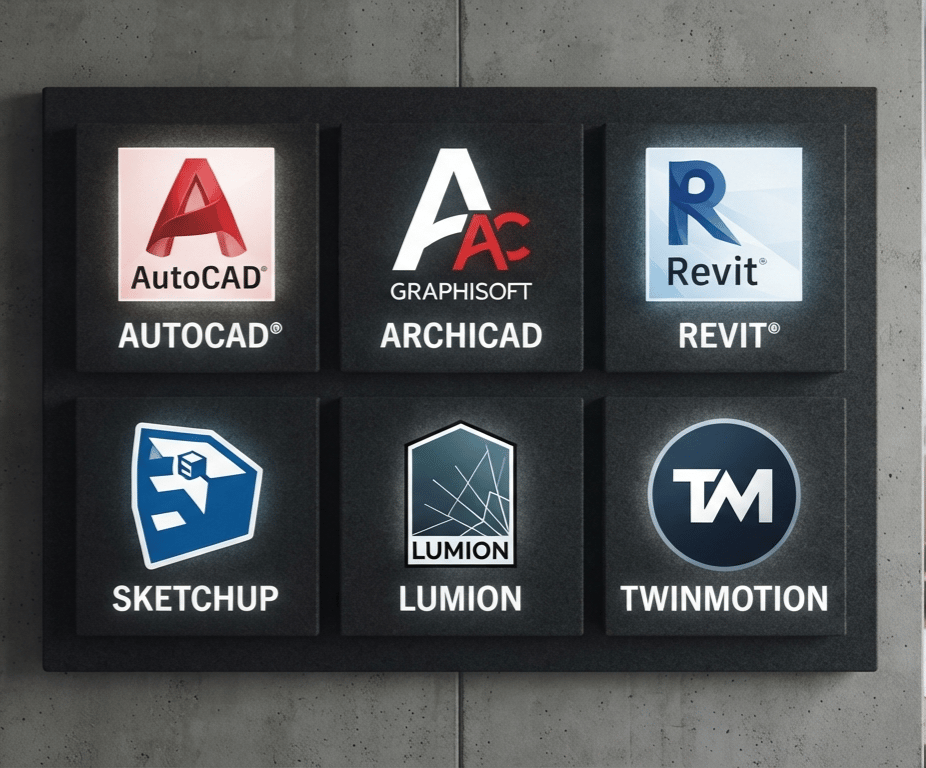
Design • BIM • Modeling • Rendering • Visualization
🎯 WHAT WILL YOU LEARN?
This training pack brings together six powerful software tools used across architectural design, engineering, BIM, 3D modeling and visualization.
🔴 AutoCAD
Build a strong foundation in 2D architectural drafting and technical drawing.
Learn how to work with digital drawings, create precise plans, organize your workspace and develop professional architectural documentation.
AutoCAD is one of the fundamental tools for anyone working with technical drawings and architectural plans.
Ideal for:
Architecture students • Civil engineering students • Draftsmen • Architects • Construction professionals
🔵 Revit Architecture
Discover the power of Building Information Modeling (BIM).
Learn how to approach architectural projects as intelligent building models rather than simple 2D drawings.
Develop your understanding of architectural modeling, building elements, views, documentation and project organization.
Revit can help you move from traditional drafting toward a more structured and modern BIM workflow.
🟣 Archicad
Explore a professional BIM environment designed specifically for architectural workflows.
Learn how to create and develop architectural projects while working within a structured digital building model.
Archicad can help you understand how modern architects organize their projects, drawings and building information.
🔴 SketchUp
Turn your ideas into 3D architectural models.
SketchUp is widely appreciated for its intuitive approach to 3D modeling, making it a valuable tool for quickly transforming concepts into visual models.
Learn how to develop architectural forms, spaces and project concepts in three dimensions.
🟢 Lumion
Bring your architectural models to life.
Learn the fundamentals of transforming a 3D architectural model into an immersive visual presentation using materials, environments, lighting, vegetation and other visualization elements.
The objective is simple:
Make your architectural ideas easier to see, understand and appreciate.
⚫ Twinmotion

Discover another powerful environment for real-time architectural visualization.
Learn how to transform architectural models into compelling presentations and visual experiences.
Explore the workflow between your architectural model and a real-time visualization environment to create more engaging project presentations.
🧠 ONE PACK. SIX POWERFUL SOFTWARE TOOLS.
Instead of purchasing several separate courses, this pack brings together the essential software you need to develop a modern architectural visualization workflow.
AutoCAD
2D Drafting & Technical Drawing
Revit
BIM & Architectural Modeling
Archicad
Architectural BIM Workflow
SketchUp
3D Modeling & Concept Design
Lumion
Architectural Visualization & Rendering
Twinmotion
Real-Time Visualization
🏠 FROM A SIMPLE IDEA TO A PROFESSIONAL ARCHITECTURAL PRESENTATION
Imagine starting with a simple architectural concept.
You create your technical drawings.
You develop your building model.
You add architectural details.
You create a 3D representation.
You apply materials.
You work on lighting and environment.
Then you transform the project into an impressive visualization.
That is the kind of workflow this training pack is designed to help you understand.
📚 WHAT'S INSIDE THE PACK?
The Architectural & Rendering Software Engineering Kit includes 30+ video lessons covering essential concepts and workflows across the featured software.
The lessons are designed to be practical and accessible, allowing you to learn progressively and revisit the material whenever necessary.
Inside the training, you will explore:
✅ Architectural drafting fundamentals
✅ 2D technical drawing concepts
✅ Architectural modeling
✅ BIM fundamentals
✅ 3D modeling workflows
✅ Architectural project development
✅ Materials and textures
✅ Lighting concepts
✅ Architectural visualization
✅ Rendering workflows
✅ Real-time visualization
✅ Project presentation techniques
✅ Software workflow organization
✅ Practical digital design skills
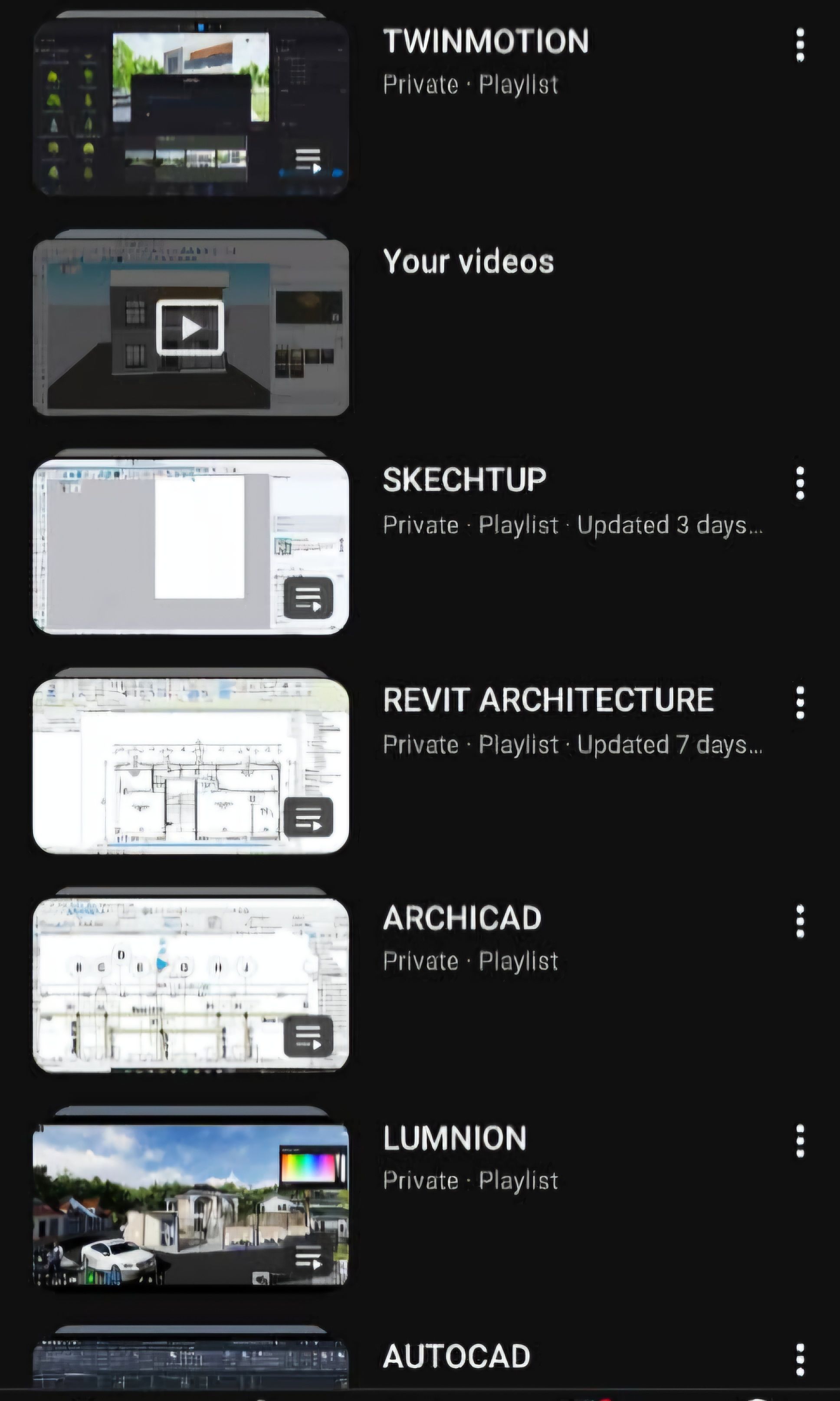
50+ VIDEO LESSONS
Puis afficher sous forme de petites cartes :
AutoCAD
Revit
Archicad
SketchUp
Lumion
Twinmotion
👨🎓 WHO IS THIS TRAINING FOR?
This pack is designed for anyone who wants to develop practical skills in architectural software and digital design.
🏛️ ARCHITECTURE STUDENTS
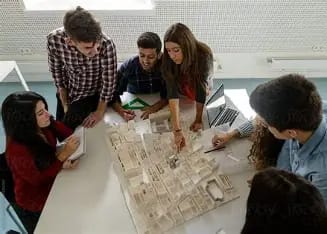
Build practical software skills alongside your academic education and become more comfortable with the tools used to develop architectural projects.
🏗️ ENGINEERING STUDENTS

Develop complementary digital skills that can support your engineering studies and future professional projects.
✏️ ARCHITECTURAL DESIGNERS
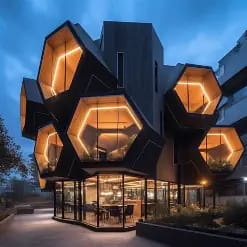
Improve your digital workflow and explore different tools for drafting, modeling and visualization.
🧱 CONSTRUCTION & BUILDING PROFESSIONALS

Understand how modern architectural projects can be developed and presented digitally.
💻 BEGINNERS
You don't need to be an expert in every software before starting.
The pack gives you an opportunity to progressively discover the different tools and understand what each one is designed to accomplish.
🚀 ASPIRING PROFESSIONALS
If you want to build a career around architecture, engineering, BIM, 3D modeling or architectural visualization, developing software skills is an important step.
💡 WHY LEARN MULTIPLE SOFTWARE TOOLS?
Because no single tool does everything.
One software may be excellent for technical drafting.
Another may be designed around BIM.
Another may make 3D modeling easier.
Another may specialize in visualization and rendering.
Understanding how different tools fit into the architectural workflow gives you a broader digital skill set.
Instead of asking:
“Which software should I learn?”
You can start thinking:
“Which tool should I use for this stage of my project?”
That's the mindset behind this training pack.
🎨 LEARN TO SEE YOUR PROJECT IN 3D
A technical drawing communicates dimensions and information.
A 3D model helps people understand space.
A high-quality visualization helps people feel the project.
Architectural visualization can make it easier to communicate:
🏠 Building design
🌳 Landscape concepts
🛋️ Interior spaces
🌇 Exterior environments
💡 Lighting concepts
🧱 Materials and finishes
📐 Architectural proportions
With tools such as SketchUp, Lumion and Twinmotion, you can explore how an architectural concept can evolve from a digital model into a compelling visual presentation.
⚡ LEARN AT YOUR OWN PACE
Your learning doesn't have to depend on a classroom schedule.
With video-based training, you can study when it is convenient for you.
Watch.
Practice.
Pause.
Repeat.
Improve.
Whether you have 20 minutes or several hours, you can organize your learning around your own schedule.
Go back to a lesson whenever you need to review a concept.
À créer : un étudiant ou jeune architecte travaillant sur un ordinateur portable avec plusieurs écrans montrant des interfaces de logiciels d'architecture, dans un environnement professionnel et cinématique.
Texte sur l'image :
LEARN ANYTIME.
PRACTICE ANYWHERE.
BUILD YOUR SKILLS.
🔥 WHY THIS PACK?
01 — SIX ESSENTIAL SOFTWARE TOOLS
Instead of focusing on only one application, explore six important tools covering different stages of the architectural workflow.
02 — 30+ VIDEO LESSONS
Get access to a collection of practical video lessons designed to help you develop your software knowledge.
03 — PRACTICAL DIGITAL SKILLS
The objective is not simply to know the names of the tools.
It's to understand how they can be used to develop architectural projects.
04 — FLEXIBLE LEARNING
Study at your own pace and revisit lessons whenever you need them.
05 — ONE COMPLETE DIGITAL PACK
Get a broader architectural software learning experience in one convenient package.
06 — BUILD YOUR PORTFOLIO SKILLS
The knowledge you develop can help you work toward creating stronger architectural models, drawings and visual presentations.
🏆 BUILD SKILLS THAT CAN OPEN NEW OPPORTUNITIES
In today's architecture and construction industry, digital skills matter.
Being able to work with architectural software can help you:
✔️ Develop academic projects
✔️ Improve your technical workflow
✔️ Create 3D architectural models
✔️ Produce visual presentations
✔️ Better communicate design ideas
✔️ Explore BIM workflows
✔️ Build a stronger digital portfolio
✔️ Prepare for future professional opportunities
The earlier you become comfortable with these tools, the more time you have to practice and improve.

À créer : un jeune architecte/ingénieur africain dans un studio professionnel moderne, devant plusieurs écrans affichant un plan AutoCAD, un modèle BIM Revit/Archicad, un modèle SketchUp et un rendu Lumion/Twinmotion.
Style : photorealistic, cinematic, premium architectural studio, realistic lighting, professional atmosphere.
Texte sur l'image :
DESIGN. MODEL. VISUALIZE. CREATE.
📦 WHAT YOU GET
When you purchase the Architectural & Rendering Software Engineering Kit, you get access to:
🎓 30+ Video Lessons
A structured collection of video-based training content.
🏗️ AutoCAD Training
For architectural drafting and technical drawing workflows.
🏢 Revit Architecture Training
For BIM and architectural modeling workflows.
🏛️ Archicad Training
For architectural BIM and project development.
🧊 SketchUp Training
For 3D modeling and architectural concepts.
🌅 Lumion Training
For architectural visualization and rendering workflows.
🎬 Twinmotion Training
For real-time visualization and project presentation.
⚡ Immediate Access
Start learning without waiting for a physical delivery.
💻 YOUR DIGITAL ARCHITECTURE TOOLBOX
Think of this pack as your digital architecture toolbox.
You are not simply learning six software names.
You are discovering different ways to:
DRAW → MODEL → DEVELOP → VISUALIZE → PRESENT
The goal is to help you become more versatile and confident when working on digital architectural projects.
À créer : un visuel type “digital product bundle”.
Au centre : un ordinateur affichant un magnifique rendu d'une maison moderne.
Autour : six cartes flottantes représentant :
AutoCAD
Revit
Archicad
SketchUp
Lumion
Twinmotion
Ajouter :
30+ VIDEO LESSONS
IMMEDIATE DIGITAL ACCESS
Style : premium, clean, cinematic, realistic, high-end digital product advertisement.
🌍 DESIGNED FOR THE MODERN ARCHITECTURAL WORKFLOW
Architecture is changing.
Digital modeling, BIM, 3D visualization and real-time rendering are becoming increasingly important in the way projects are designed and communicated.
Whether you're still a student or already developing your professional skills, learning these tools can give you a stronger foundation for the digital side of architecture.
Don't wait until you need the software to start learning it.
Start building your skills now.
🎯 YOUR GOAL IS NOT JUST TO LEARN SOFTWARE.
It's to become capable of turning an idea into something people can see, understand and imagine.
From a blank screen...
To a technical drawing.
From a technical drawing...
To a 3D model.
From a 3D model...
To a complete architectural visualization.
That's the journey.
🚀 START YOUR ARCHITECTURAL SOFTWARE JOURNEY TODAY
Whether you're studying architecture, engineering, construction or design...
Whether you're a beginner exploring the world of architectural software...
Or you're simply looking to expand your existing digital skills...
The Architectural & Rendering Software Engineering Kit gives you a practical starting point to explore six powerful tools in one complete training package.
6 SOFTWARE. 30+ VIDEO LESSONS. ONE COMPLETE LEARNING EXPERIENCE.
AutoCAD • Revit • Archicad • SketchUp • Lumion • Twinmotion
🔥 READY TO BUILD YOUR DIGITAL ARCHITECTURE SKILLS?
Stop watching other people create impressive architectural projects.
Start learning the tools behind them.
Start practicing.
Start creating.
Start building your own digital workflow.
GET IMMEDIATE ACCESS TO THE ARCHITECTURAL & RENDERING SOFTWARE ENGINEERING KIT.
Your next architectural project could start with what you learn today.
LEARN. DESIGN. MODEL. VISUALIZE. CREATE.
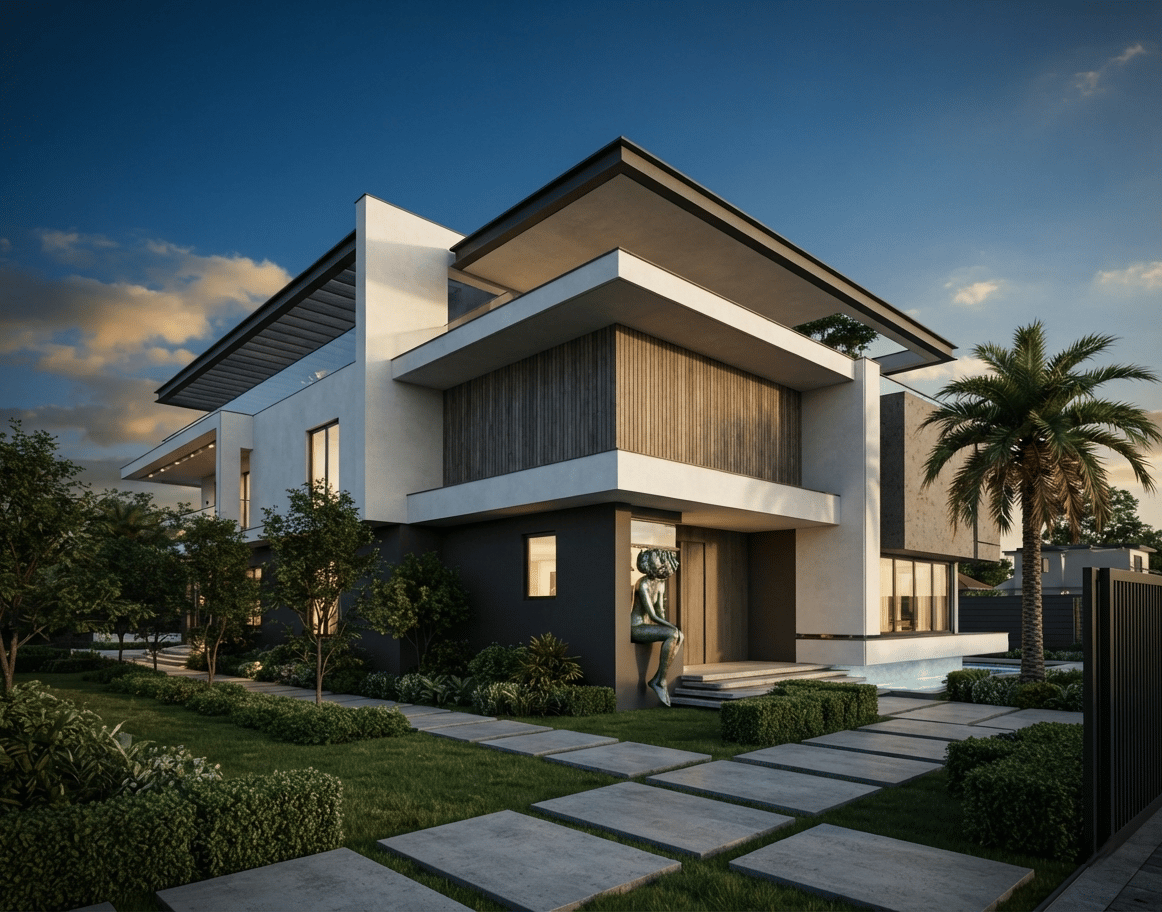
ARCHITECTURAL & RENDERING SOFTWARE ENGINEERING KIT
6 SOFTWARE • 30+ VIDEO LESSONS
GET IMMEDIATE ACCESS